
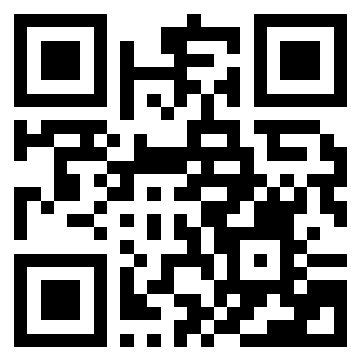
QR and barcodes
Recognize supported codes as inert plain text, ready to paste.
 CopyLasso
Draw around text you can see anywhere on your Mac. CopyLasso reads the pixels locally and puts clean text on your clipboard.
macOS 14+ · Apple silicon + Intel · 3.73 MB
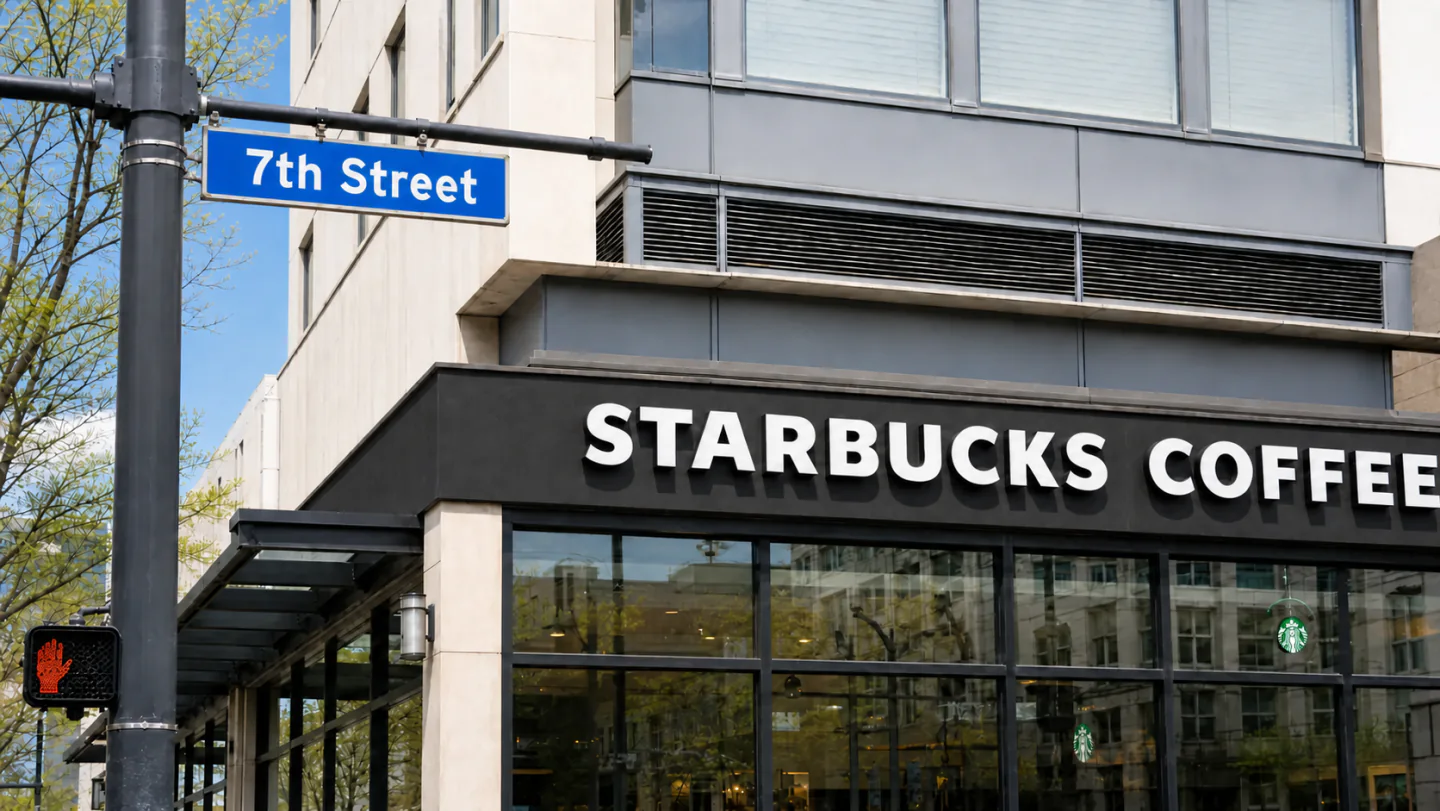
A demonstration shows a street sign reading 7th Street above a storefront reading Starbucks Coffee. A selection is drawn around both, producing the clipboard text 7th Street Starbucks.
Fully free and MIT open source. Screenshots are never stored. Capture History is off by default and encrypted locally if enabled.
Recognize supported codes as inert plain text, ready to paste.
Choose and prioritize the OCR languages available on your Mac.
Photos, paused videos, remote desktops, menus, and code are all just screen pixels.
CopyLasso uses Apple Vision on device. There is no account, cloud OCR, analytics, or telemetry.